
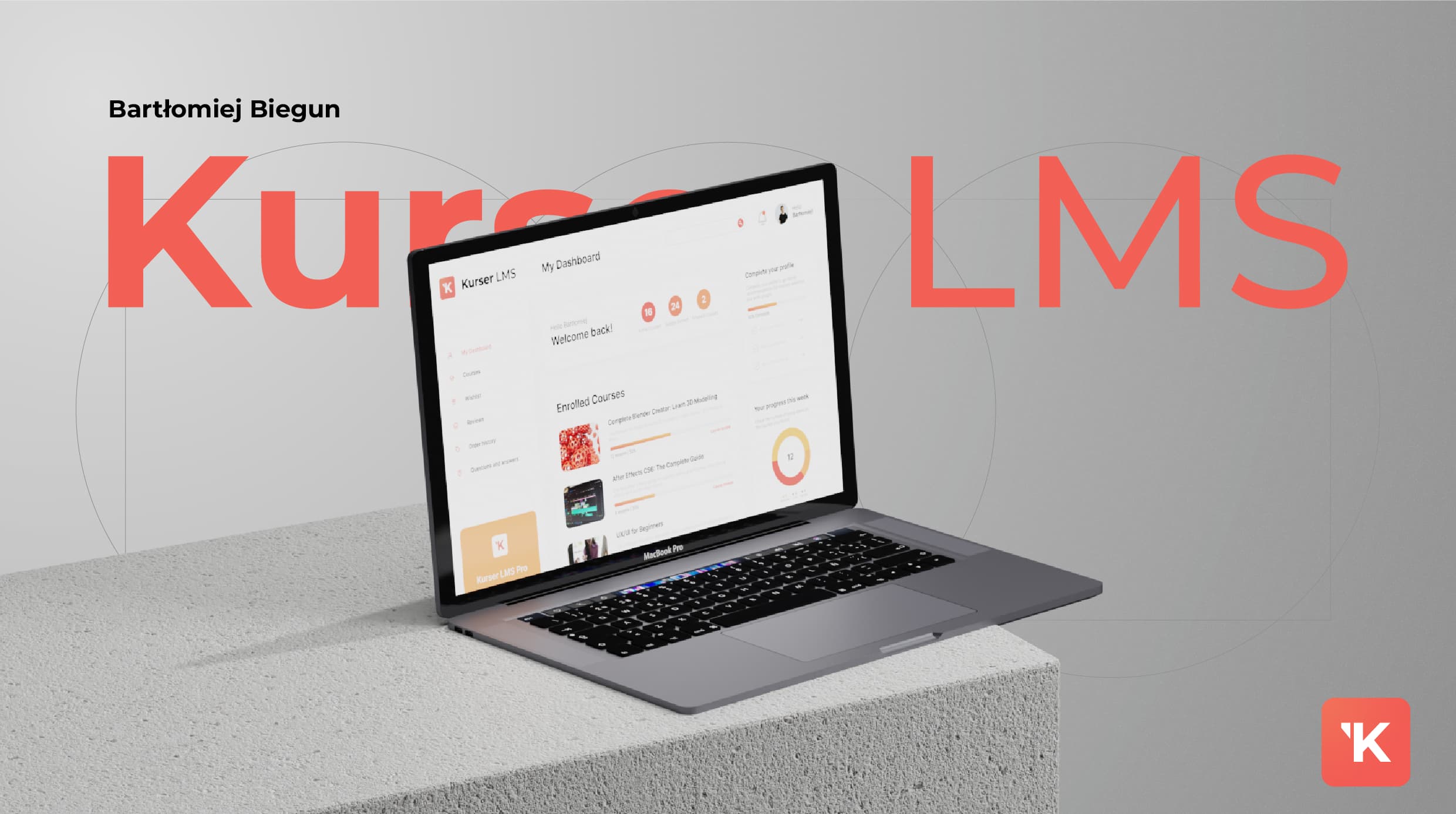
Kurser LMS aims to revolutionize the e-learning landscape by offering a comprehensive, engaging and interactive online learning environment. The platform is designed for individual audiences who want to develop their knowledge and skills in digital marketing, 3D, UI/UX and other fields.
The project focuses on creating a seamless UI/UX experience that allows users to effectively navigate their learning path.
Problem Genesis
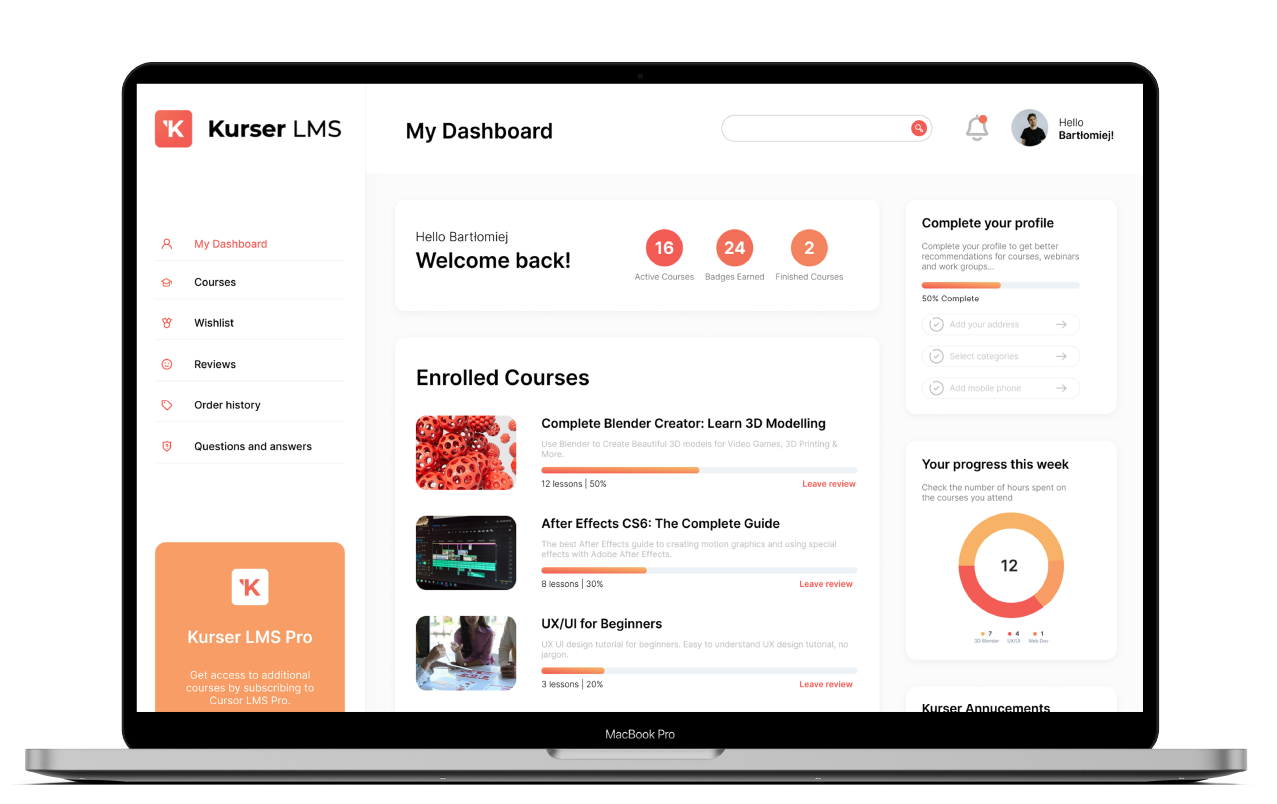
The „Kurser LMS” project was developed with the primary goal of demonstrating expertise in UI design, particularly in creating interfaces and dashboards for complex applications. Unlike other projects, this one did not involve user research. Instead, the focus was entirely on showcasing the ability to design a functional, visually appealing interface for a learning management system.
The challenge lay in designing an intuitive dashboard that could manage a variety of complex features such as course management, user profiles, and analytics, all while maintaining a clean and engaging visual style. Every element was carefully structured for ease of navigation, while also incorporating modern UI trends to enhance the overall user experience.
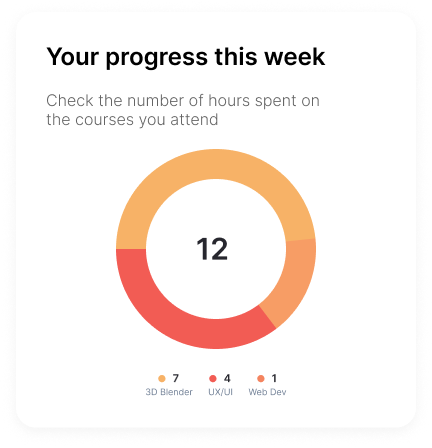
Progress Tracking
A visual representation of the user’s progress through courses, enabling learners to easily gauge their achievements and areas requiring attention.
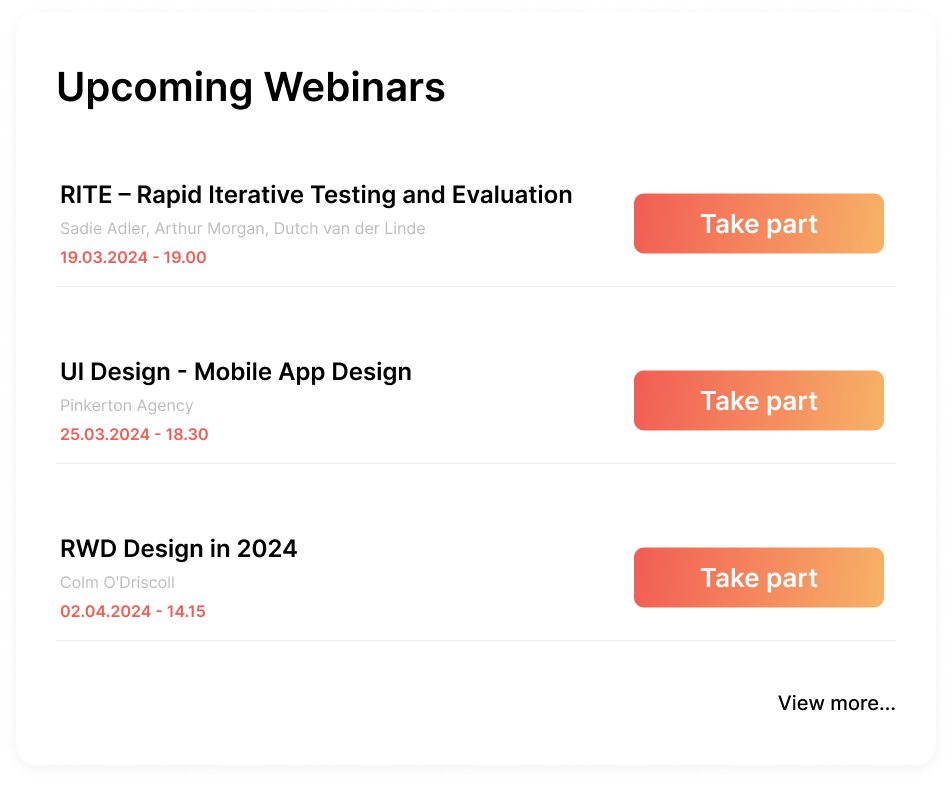
Webinars
A curated list of upcoming live sessions, including detailed descriptions, presenters, and the ability to register or join a webinar with a single click. This feature promotes active learning and community engagement.
Statistics
The User Section provides a streamlined overview of the total hours spent on courses, allowing learners to track their time investment in their educational journey.
Reviews Section
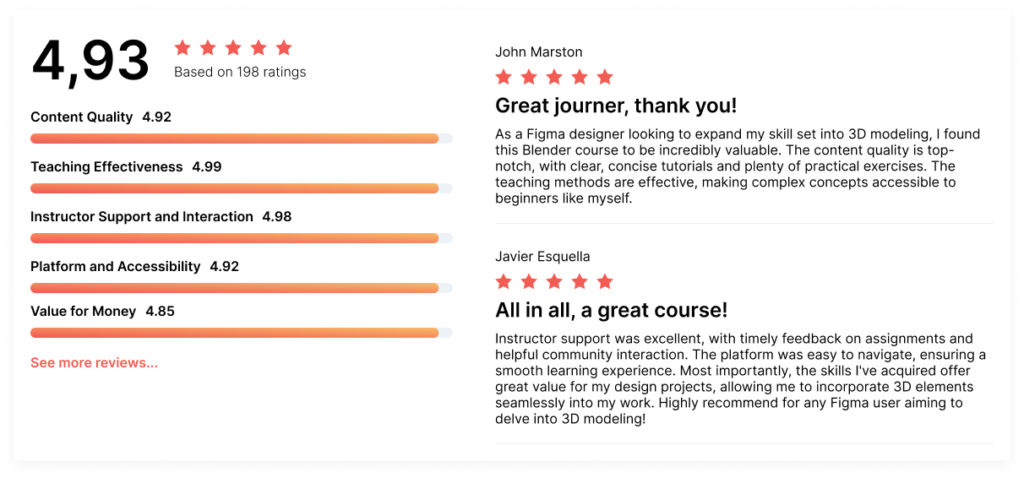
The Reviews Section offers a platform for learners to share their experiences and feedback on courses they’ve completed.
Lessons Breakdown
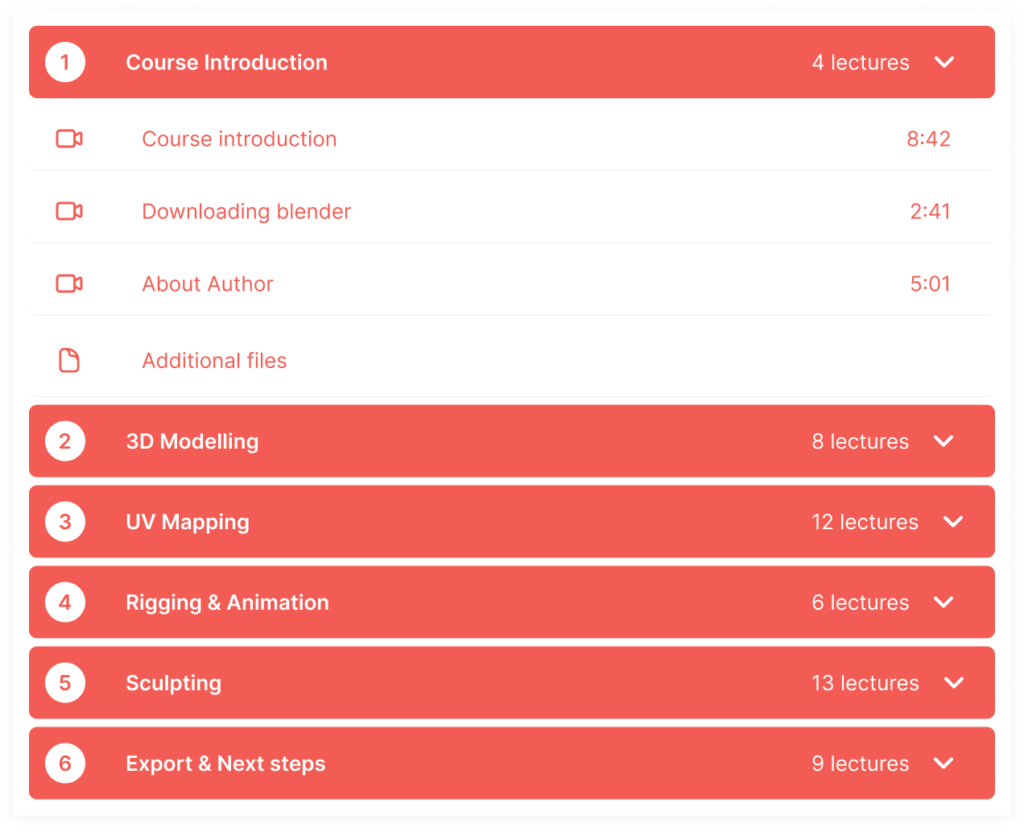
The Lesson Breakdown provides a detailed overview of a course’s structure, offering learners a glimpse into the specific topics covered in each lesson.
Add to Cart
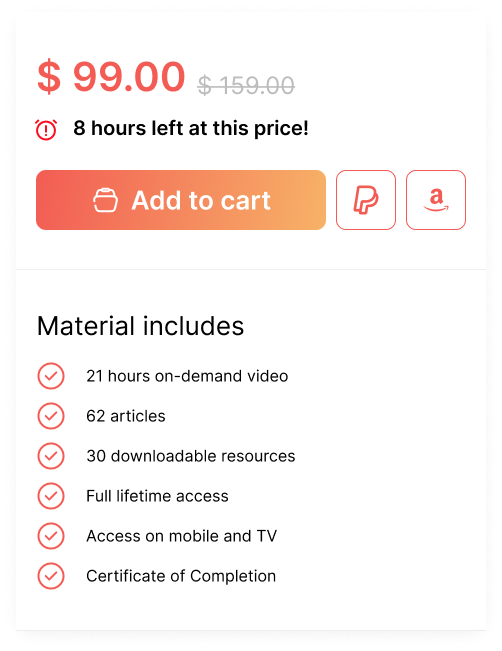
The Add to Cart Course Tab simplifies the process of enrolling in new courses. With a single click, users can add courses of interest to their cart, streamlining the checkout process.
Additional Screens


Project in Details
- Duration: March 2024
- Design Focus: UI Design for a Learning Management System (LMS)
- Key Objective: Showcase skills in designing complex interfaces and dashboards
- Core Features Designed: Course management dashboard, user profile management, analytics and reporting, interactive progress tracking, notifications and messaging system
- Tools Used: Figma (wireframes and high-fidelity mockups), Adobe Illustrator (iconography)
- Role: UI Designer